
Take control of every dollar you spend on subscriptions
Know exactly what you're paying for, find opportunities to save, and keep your money working for you, all without connecting your bank account.

Credit card required. Cancel anytime during your trial. No charge until day 15.
Trusted by individuals and businesses.


Stats
Most people spend $200+ monthly on subscriptions
The average person tracks 12+ subscriptions across streaming, productivity, fitness, and shopping. Many have duplicate services or features they don't realize they're paying for.
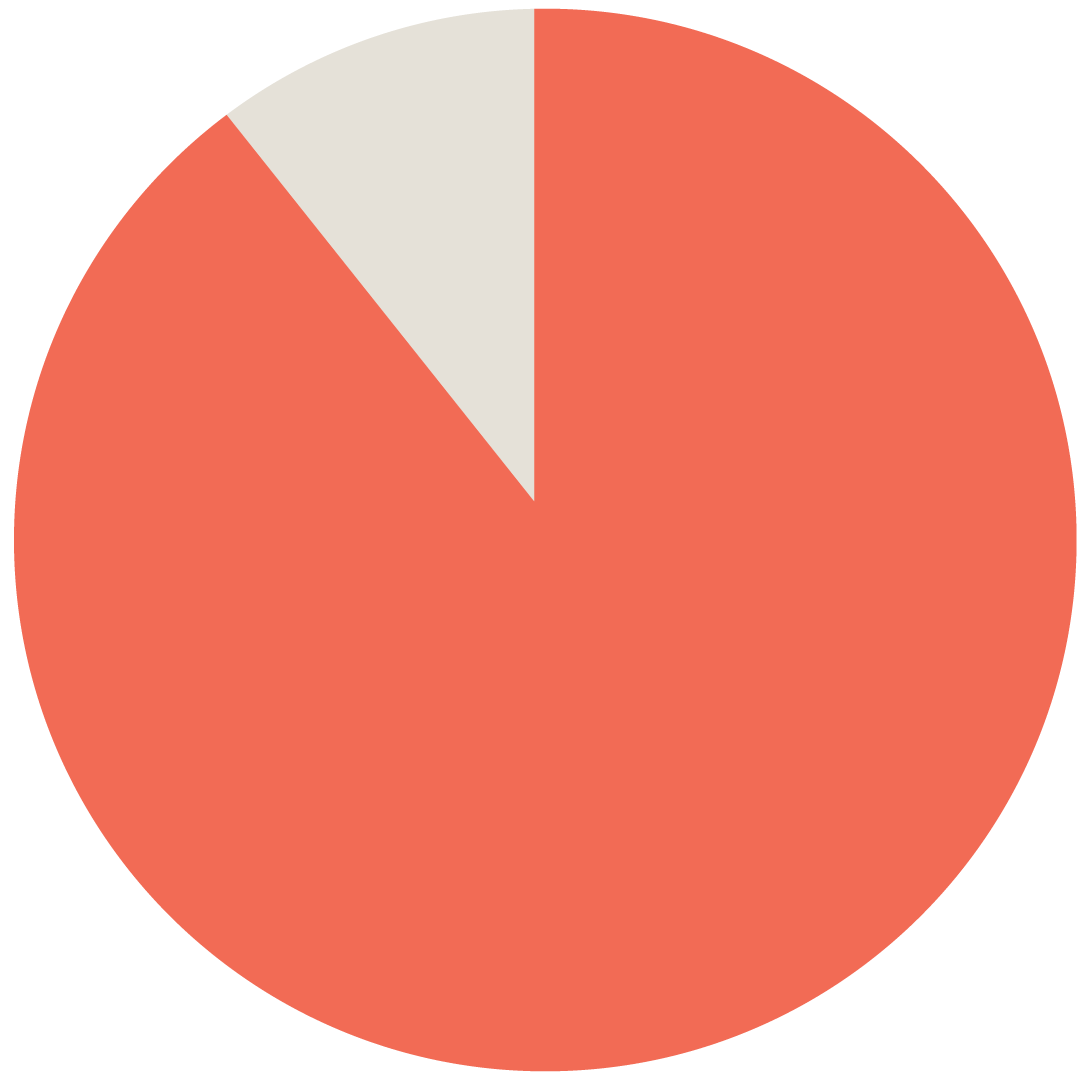
89%
Percent of consumers who underestimate how much they spend on subscriptions.
(West Monroe report)

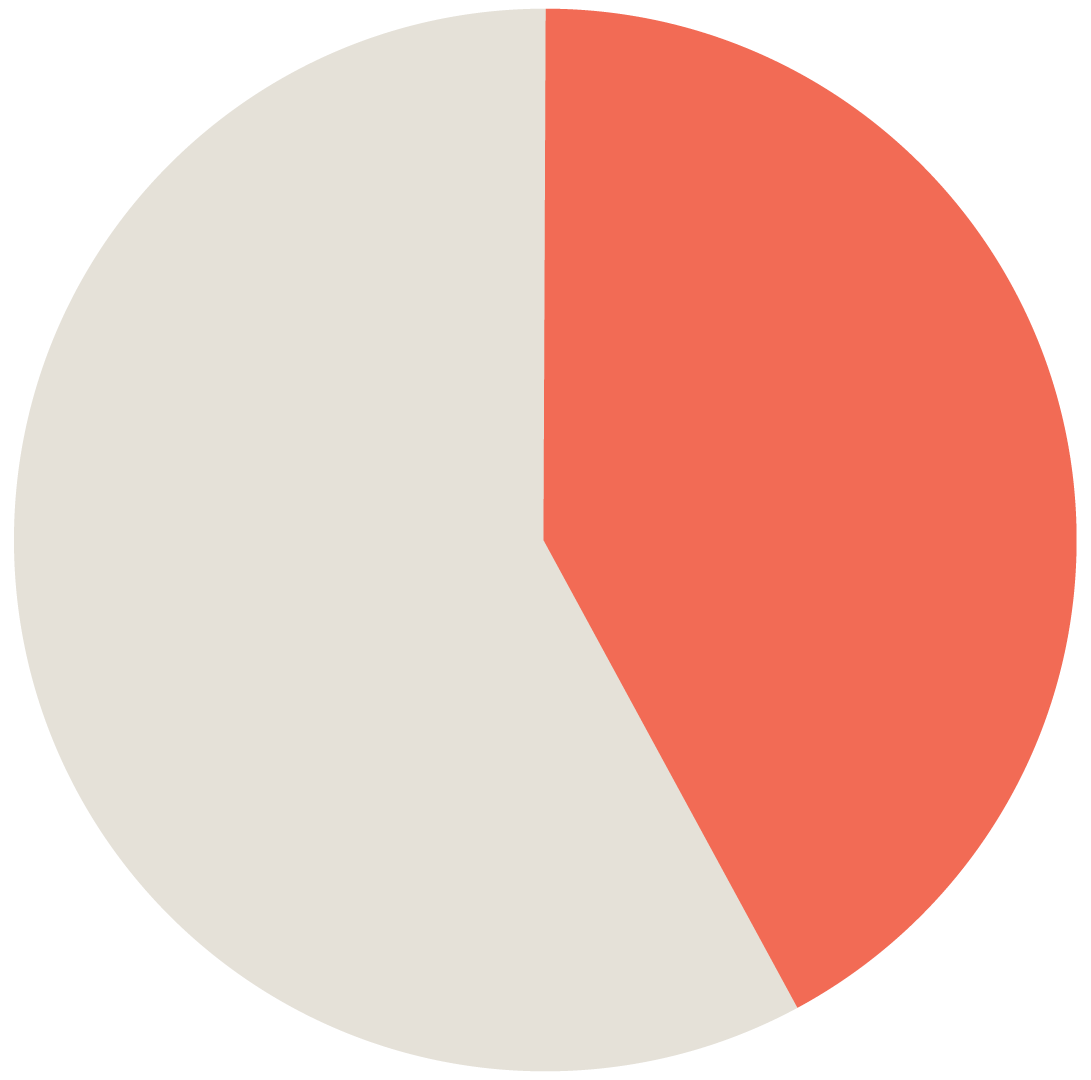
42%
Percent of consumers who admit to forgetting a subscription and continue paying for it.
(C+R Research report)

+2.5x
Amount that actual subscription costs exceed subscribers’ estimates–people pay more than twice what they think!
(Recurly report)


Features
Everything you need to stay in control
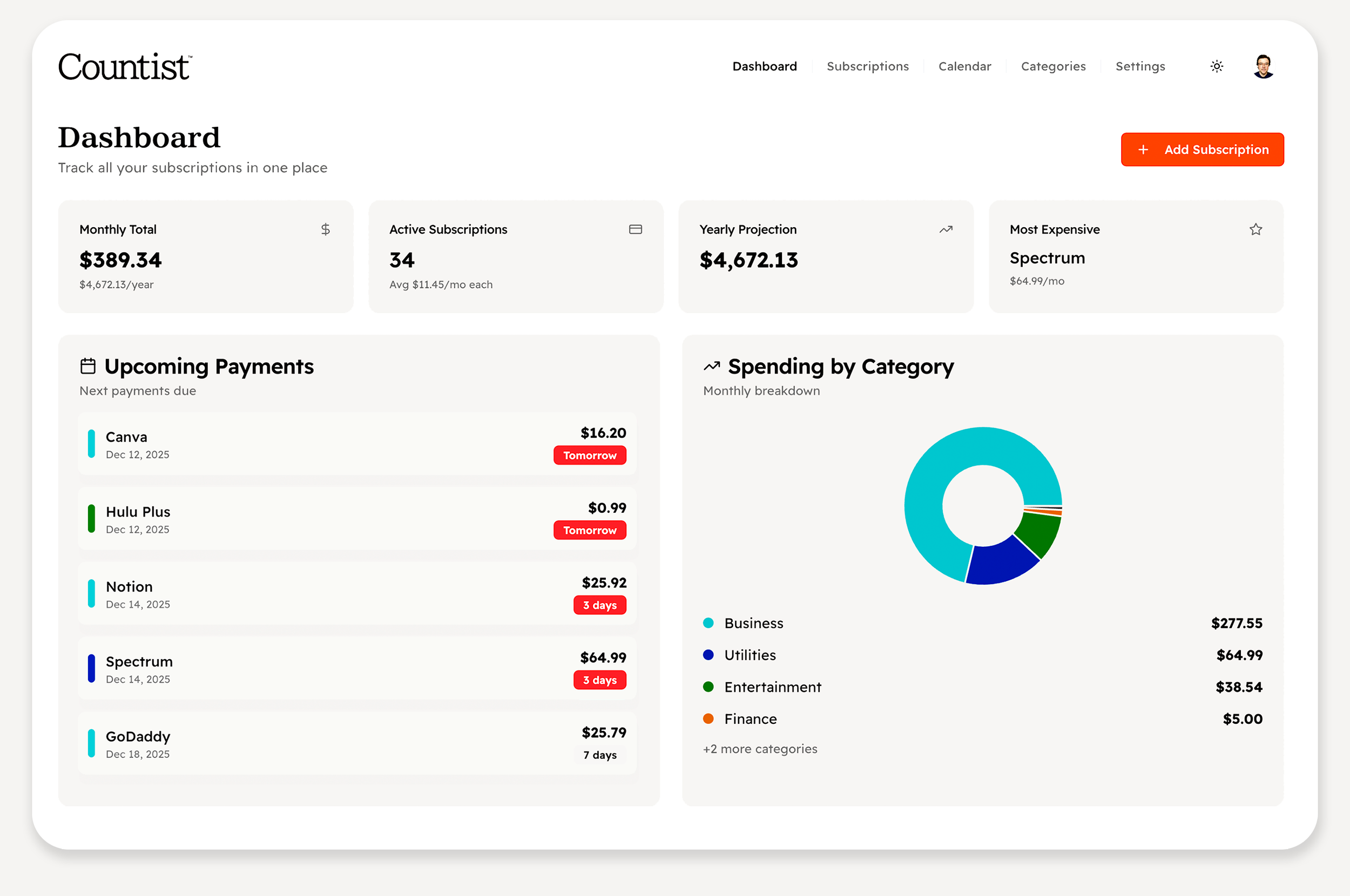
Complete visibility means better choices.
AI Price Check and Overlap Detection
Catch savings in real-time
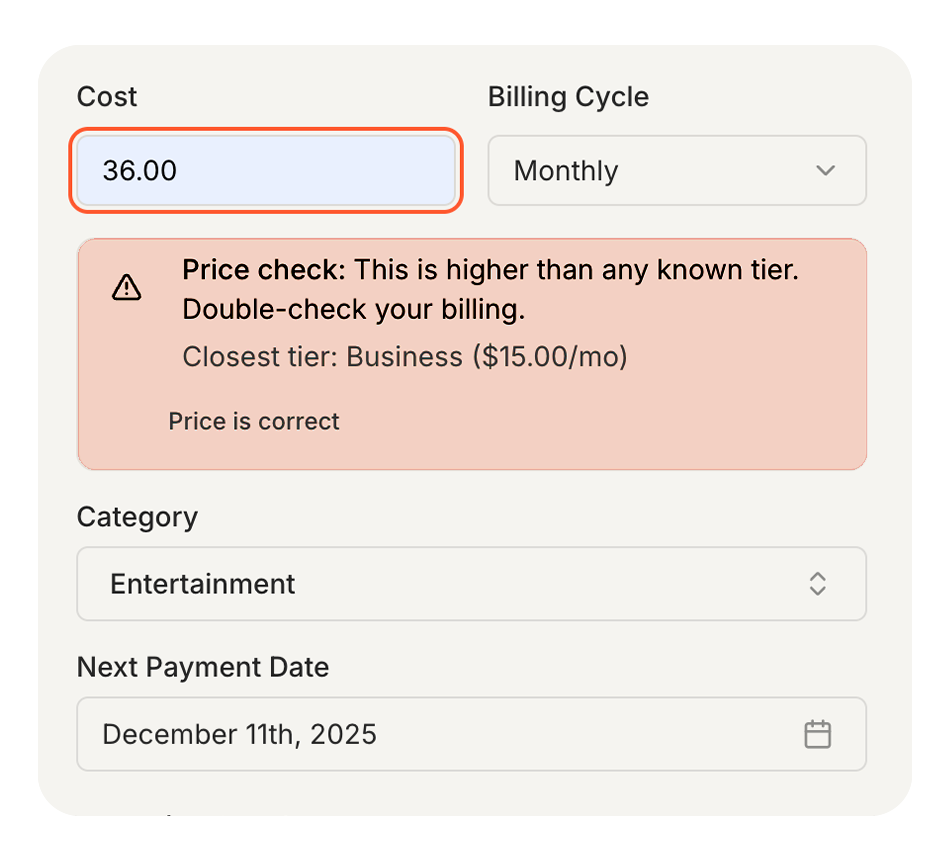
Our AI agent spots overlaps so you don’t pay twice. Adding Dropbox when you have Microsoft 365 storage? Paying too much for a new subscription? We'll let you know in advance.
Privacy-First
We don’t access your bank accounts
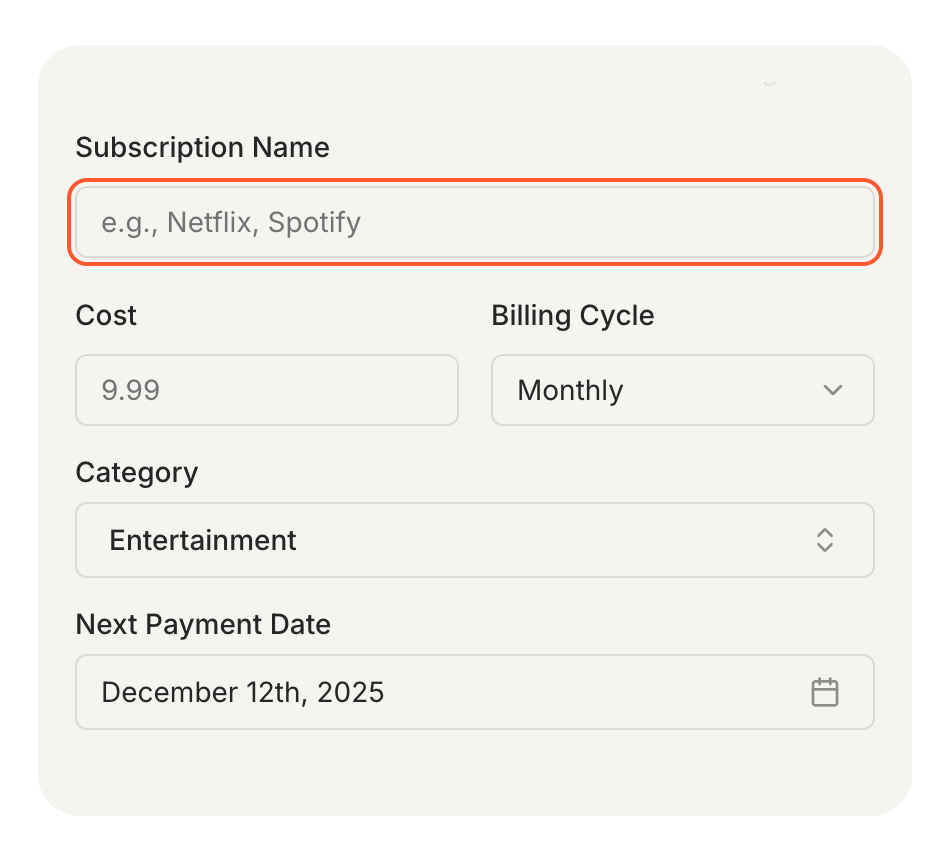
You choose what to track by adding subscriptions manually. No bank connections, no transaction monitoring. Your financial information stays completely private.
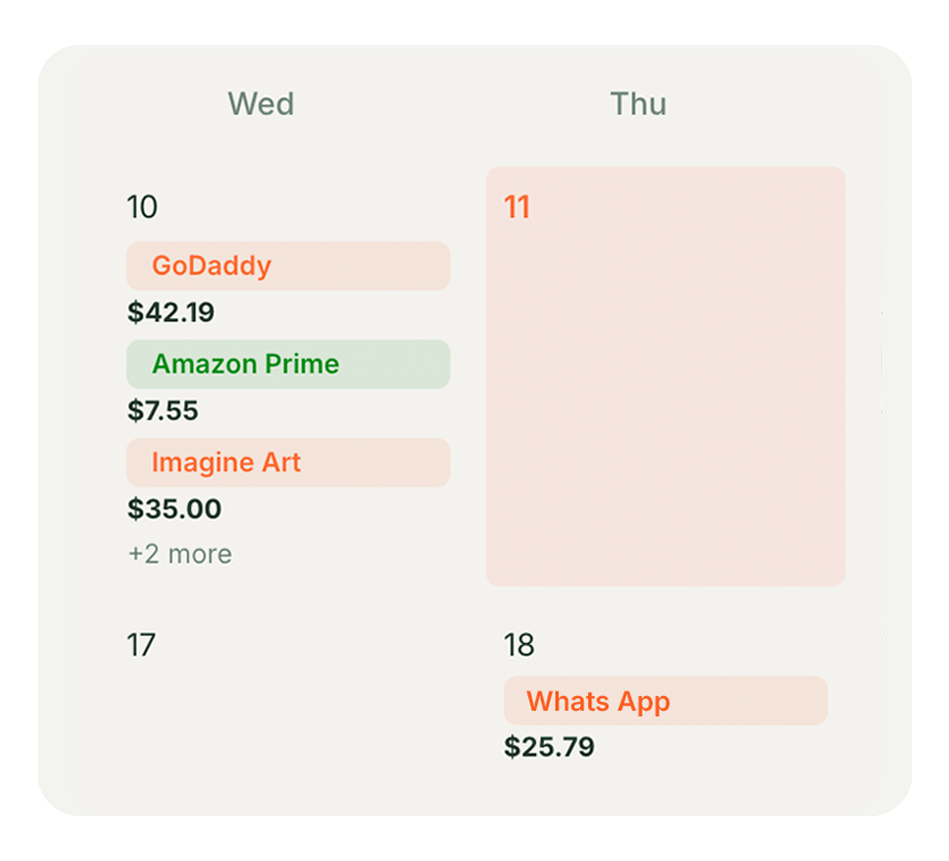
Calendar View
Plan ahead with confidence
See exactly when charges arrive. Prepare for upcoming bills with a visual calendar that puts you ahead of your spending, not behind it.
Features
A broad, intelligent feature set that saves you money.
See all your subscriptions in one view and get smart alerts before you overpay. Everything runs quietly in the background so you stay in control, with less effort and more confidence.

Subscription List
Add what you pay with a name, cost, and date, and see it all in one simple list. You always know what’s active and where your money is going.

Duplicate Check
When you add something you already have, you get a quick warning. You choose whether to keep both or clean up the extras.

Overlap Check
See when two subscriptions include similar perks like storage, music, or video. You can keep the one you use most and cut the rest– it’s up to you.

Secure Data
You can manage your own data and download it anytime your account is active. Only you know what happens to your data and when.

Price Check
As you enter a price, you see whether it’s higher than common plans for that service. You can leave it as is or adjust, knowing how it compares.
Forgotten Accounts
Subscriptions that sit untouched for a while quietly resurface. You decide if you still need them or if it is time to cancel.

Cancel anytime during your trial — no charge until day 15.
Plans
Supercharge Your Budget
One straightforward price.

Countist
$4.99
/month
or $49/year (save $10)
Track unlimited subscriptions
Smart AI insights for duplicates & overlaps
Calendar view of all charges
Export your data anytime
Cancel whenever you choose
Free Trial
$0
/month
(for 14 days)
All features
Unlimited subscriptions
Full AI insights
Your trial is completely free for 14 days. Credit card required. After that, you'll be charged $4.99/month unless you cancel. Switch to annual ($49/year) anytime to save $10. Export your data whenever you want.
FAQs
Need Help?
Questions people actually ask.


-
No. You add subscriptions manually, which gives you complete control over what information you track. It takes about 30 seconds per subscription.
-
We ask for a card upfront to keep Countist fast and secure for serious users. You won't be charged during your 14-day trial, and you can cancel anytime before it ends. If you love it, your subscription starts automatically at $4.99/month—with only a few extra steps.
-
No bank connections. Ever.
Countist skips the bank logins and transaction scraping. You choose exactly what to track by adding subscriptions manually, so your financial data stays private and under your control.
Built to find overlaps, not just list expenses.
Most apps tell you “you spent $X on subscriptions.” Countist focuses on where you’re paying twice—spotting duplicates, bundled services, and overlapping features so you can decide what to keep or cancel with confidence.
Smart pricing and timing nudges.
Countist flags prices that look off for known services and shows all your subscription charges on a dedicated calendar, so you can catch bad deals and surprise renewals before they hit your account.
-
No. We give you the information you need to make smart decisions about your subscriptions. You're in control of which ones to keep, adjust, or cancel.
-
After 14 days, your card is automatically charged $4.99/month unless you cancel. You can cancel anytime during your trial with no charge. You can also switch to the annual plan ($49/year) at any time to save $10.
-
Completely. We don't sell, share, or use your data for advertising. It stays secure in our database until you choose what to do with it.
-
Absolutely. Your data is yours to download whenever you want it.
-
Your subscription data is immediately and permanently deleted from our system. We do not maintain backups of deleted accounts. Make sure to export your data before deletion if you want to keep a copy. Some billing records may be retained for legal and tax purposes.
-
Track them all. There are no limits on how many subscriptions you can manage.
Sign Up
Ready to take control of your subscriptions?
Start your 14-day free trial. Cancel anytime before it ends — no charge. See exactly where your money goes and make smarter choices.
Cancel anytime during your trial — no charge until day 15.